
Grocezy turns your shop into an order-ahead storefront in minutes. No catalogs to build, no product data entry, and no commission on what you sell. Customers order ahead, you prepare it, they collect and pay you at the counter.
Free tier: 5 order accepts a day, forever. Grocezy Pro: unlimited, with 2 months free.
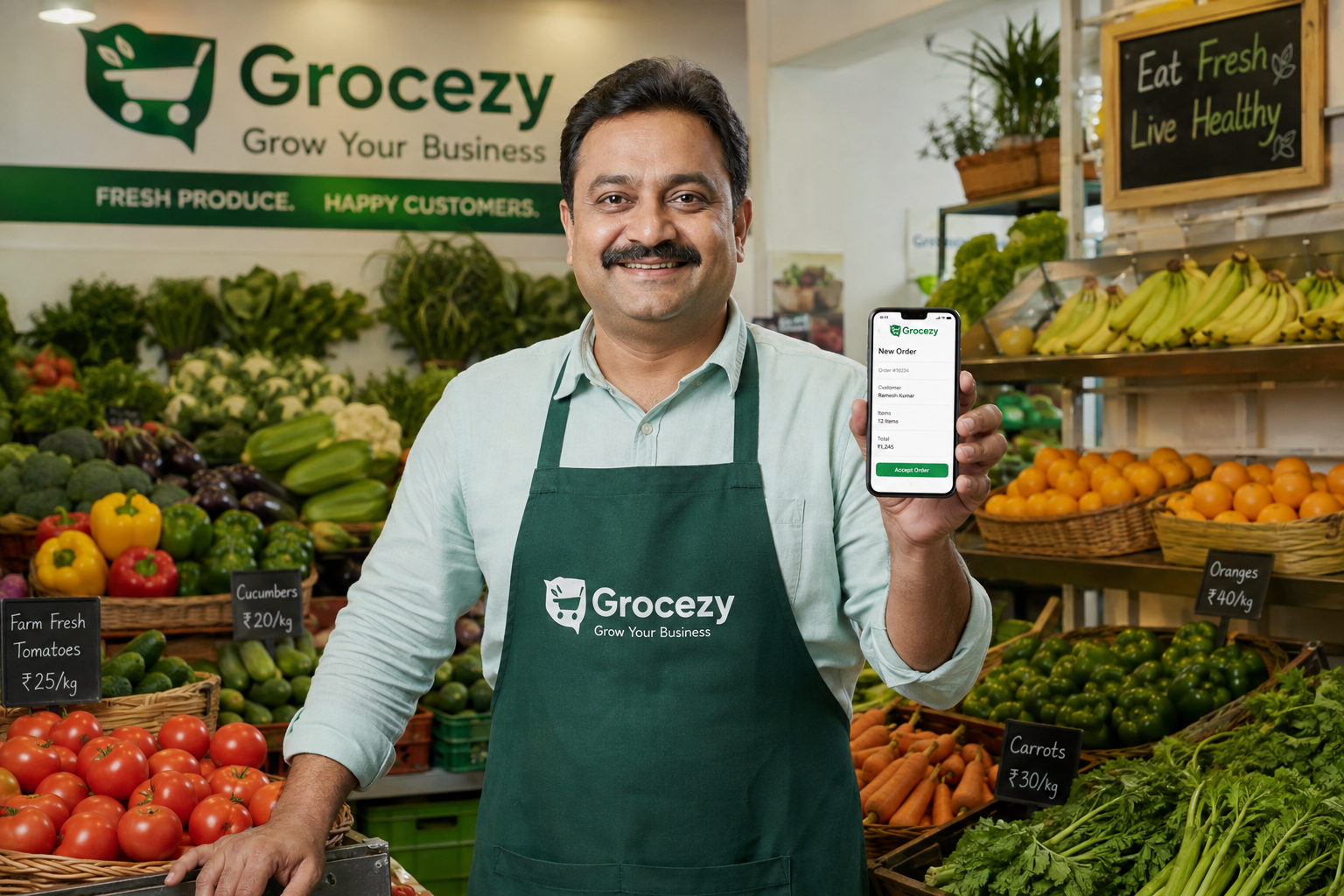
Delivery apps take a cut of every order and put your prices up. Grocezy doesn't touch the sale at all.
Customers pay you in store, at your prices, by whatever method you accept. Grocezy takes nothing from the transaction — ever.
Name, address, category, hours. That's the setup. There is no catalog to upload, because customers describe what they want in their own words.
Every order ends with a customer in your shop. No drivers, no packaging for transport, no handing your customer relationship to someone else.
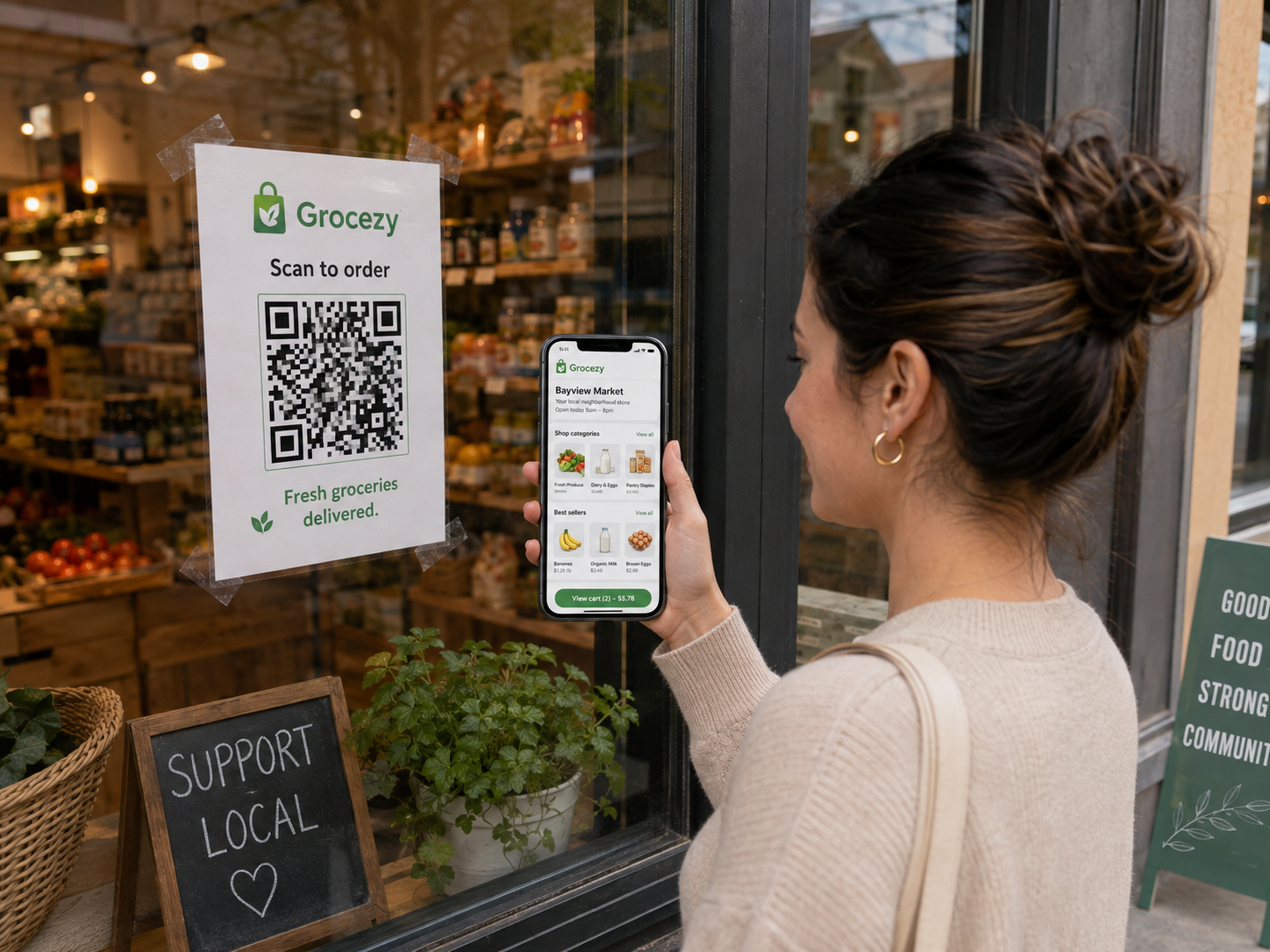
Every Grocezy shop gets a public ordering page and a matching QR code. Share it in your Instagram bio, print it for the window, add it to your Google Business profile, put it on a flyer or a receipt.
Customers who open it can place an order straight away — without installing the app. Orders from your link arrive in exactly the same place as everything else.
Everything below is included on the free tier. Grocezy Pro removes the daily order limit.
Your shop, hours, location and category — visible to every customer searching nearby.
Heads-up notifications the moment a new order arrives, so nothing sits unnoticed during a rush.
Accept, prepare, mark ready. The customer is notified automatically at each step.
Confirm a substitution or a cut of meat in a message instead of a phone call.
Up to three time slots a day, so an afternoon close is handled without you thinking about it.
Going away? Switch on vacation mode and customers see a notice instead of ordering into a closed shop.
Orders that go unanswered clear themselves, so your queue always reflects what's really happening.
A public ordering page you can share anywhere, working with or without the app installed.
If you upgrade, Grocezy Pro is billed in your own local currency — not forced into US dollars.
Both tiers include every feature. The only difference is how many orders you can accept in a day.
Everything you need to start taking orders today.
No card required.
Charged in your local currency. Cancel any time.
Subscriptions are managed on app.grocezy.com.
Full details on the pricing page.
No. That's the whole point of the design. Customers describe what they want in plain language — typed or spoken — and you read it like a note handed across the counter. There is no catalog, no SKU list and no price list to maintain.
Exactly as you do now: the customer pays you in store when they collect, using whatever methods you already accept. Grocezy never handles the customer's money and takes no commission on the sale.
Orders you accept. Browsing, chat and orders you decline don't count. If you regularly hit the cap, that's the point at which Grocezy Pro pays for itself.
On the web portal at app.grocezy.com. Subscriptions are started, changed and cancelled there — never inside the mobile app. Billing runs on Stripe, and you can open the customer portal any time to update your card, download invoices or cancel.
Yes. app.grocezy.com is the full shop owner portal in the browser — useful if you'd rather run the counter from a laptop or tablet than a phone.
Turn on holiday mode. Customers see a notice explaining you're away instead of placing orders you can't fulfil, and your shop reopens automatically when you switch it back.
Free to start, no card required, and no commission on anything you sell. If it doesn't bring people through the door, you've lost nothing.