
Grocezy connects local shops with the people around them. Customers order in their own words, shops confirm and prepare, and everyone skips the queue. Here's the whole flow, both sides.
No catalogs, no in-app prices, no checkout. You describe what you want; the shop does the rest.
Open the app and search by zip or postal code, or let Grocezy sort shops by how close they are to you. You can browse as a guest first — an account is only needed when you actually place an order.
Tap the mic and speak your list, or type it out. Plain language is fine — "two kilos of potatoes, a bunch of coriander, and 300g of feta" is a complete order. Add notes for anything specific: how you want the meat cut, how ripe you want the fruit.
The shop gets your order instantly, confirms it, and starts preparing. If something's out of stock or they need to check a detail, they'll message you in the order chat.
The moment it's marked Ready, you get a notification. Walk in, collect it, and pay the shop directly at the counter — cash or card, whatever they accept. Grocezy never handles your payment.
From signing up to your first order is a matter of minutes. There's nothing to install on a counter and nothing to integrate.
Sign up on the app or at app.grocezy.com. Add your name, address, category and opening hours. No catalog, no product data entry, no menu build.
You get a public shop page at go.grocezy.com/yourshop plus a QR code. Put it on Instagram, on flyers, in your window, on your Google Business profile.
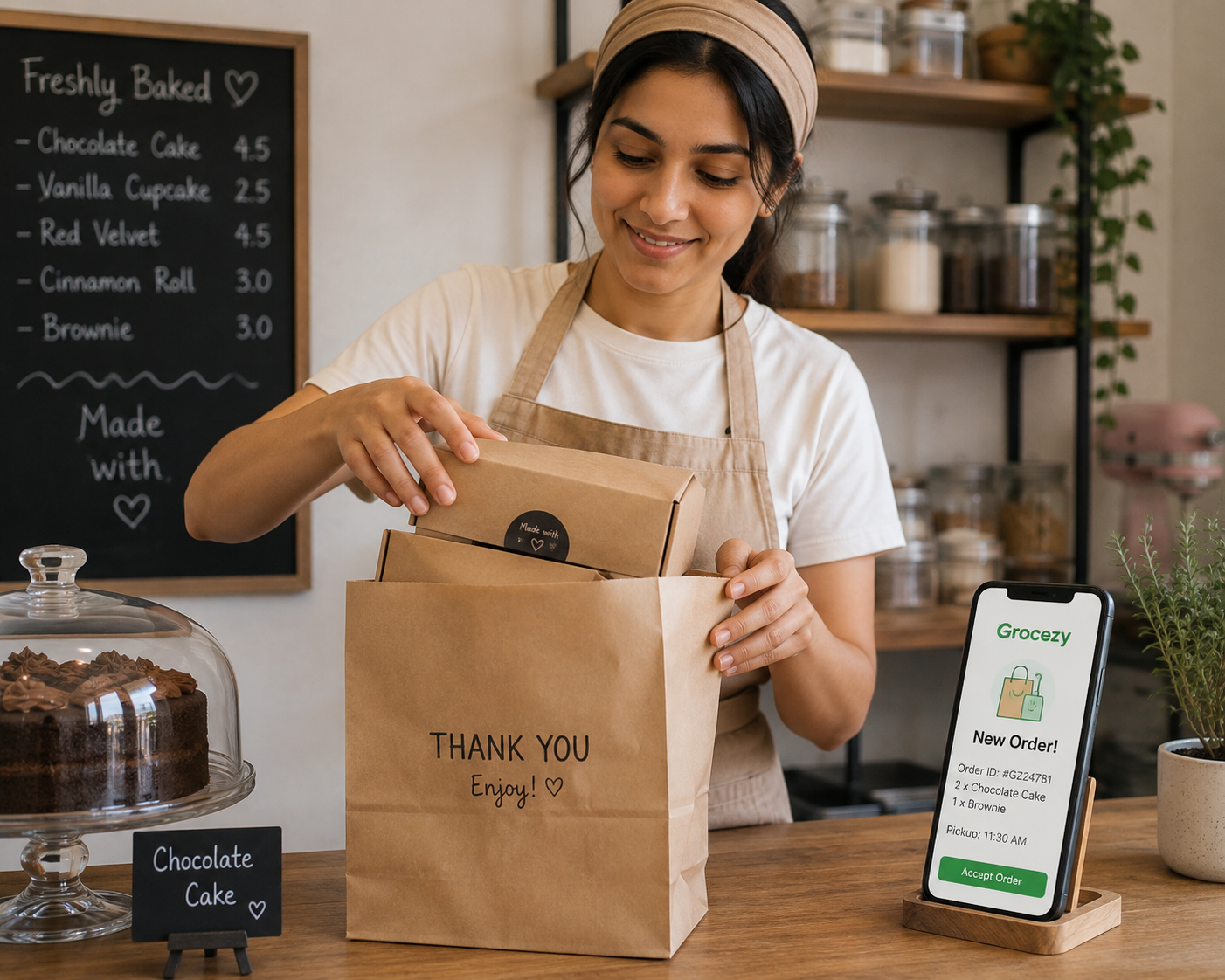
New orders arrive with a heads-up alert. Read what the customer asked for, confirm it, and message them if you need to check anything.
Pack the order and tap Ready. The customer is notified automatically, comes in, and pays you at the counter as usual.
Everything a busy counter needs, and nothing that gets in the way of serving the person standing in front of you.
When someone opens go.grocezy.com/yourshop — from your Instagram bio, a flyer or a QR code in the window — they land on a mobile-friendly ordering page. They sign in, place their order, and you receive it exactly like any other. Installing the app is optional.
No. You pay the shop directly when you collect your order, using whatever they accept at the counter. Grocezy never processes payment for goods and never adds a fee or markup to what the shop charges.
No — Grocezy is pickup only. Your order is prepared and held for you at the shop, and you collect it yourself. That's what keeps it free of delivery fees and inflated prices.
There are no in-app prices, because there's no catalog. You pay the shop's own shelf prices at the counter. If you want a total in advance, ask the shop in the order chat.
They'll message you in the order chat to suggest a substitution or let you know it's unavailable. You only ever pay for what you actually collect.
No. You can browse shops as a guest. You'll only need to sign in — with Email, Google or Apple — when you place your first order, so the shop can notify you when it's ready.
Not at all. Voice is there because it's faster for long lists, but you can type every order if you prefer. Microphone access is only requested when you tap the mic.
Download the app and find the shops on your street, or set your own shop up in minutes.